All-In-One digital signage software

Streamline your communication and manage as many screens as you want.

Try for free
No credit card needed.
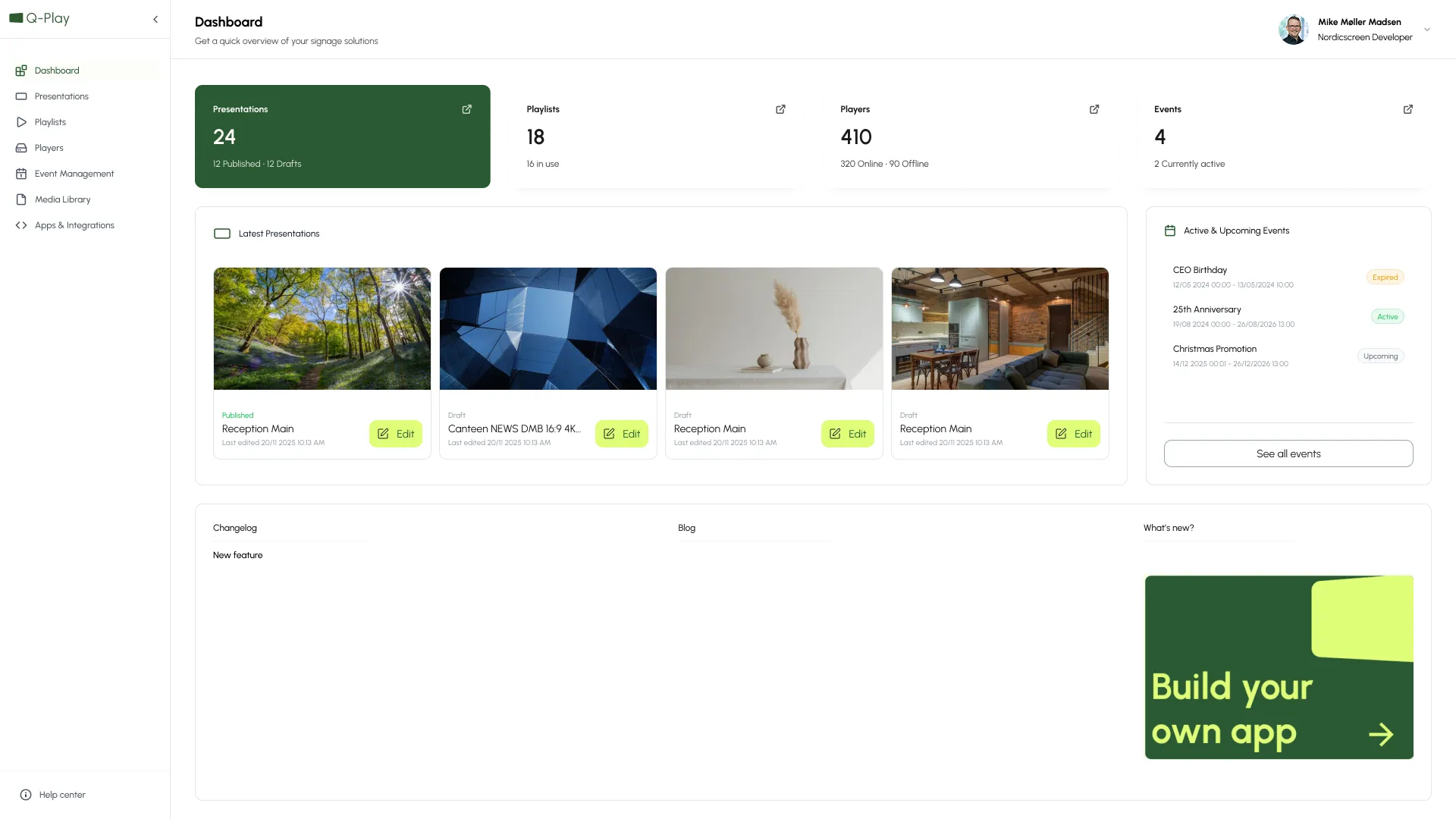
Q-Play Dashboard app UI

How the intuitive software works for you

Plug‑and‑play setup

Install a player on a supported screen (e.g., LG professional displays) and enter a single connect‑code to link the screen to your Q-Play account
Cloud control from anywhere

Q‑Play is 100% cloud‑based, so you can create, schedule, and update content across any number of locations from your browser.
Drag‑and‑drop design

An intuitive editor with templates and apps (images, video, weather, time, web, news, more). Add dashboards/KPIs and other live data sources to keep screens engaging.

Built for every screen, in every industry

Q-Play adapts to the way you work. Whether you’re managing offices, retail spaces, or public environments, you can design screens that inform, inspire, and connect — all from one platform.
Corporate Communication
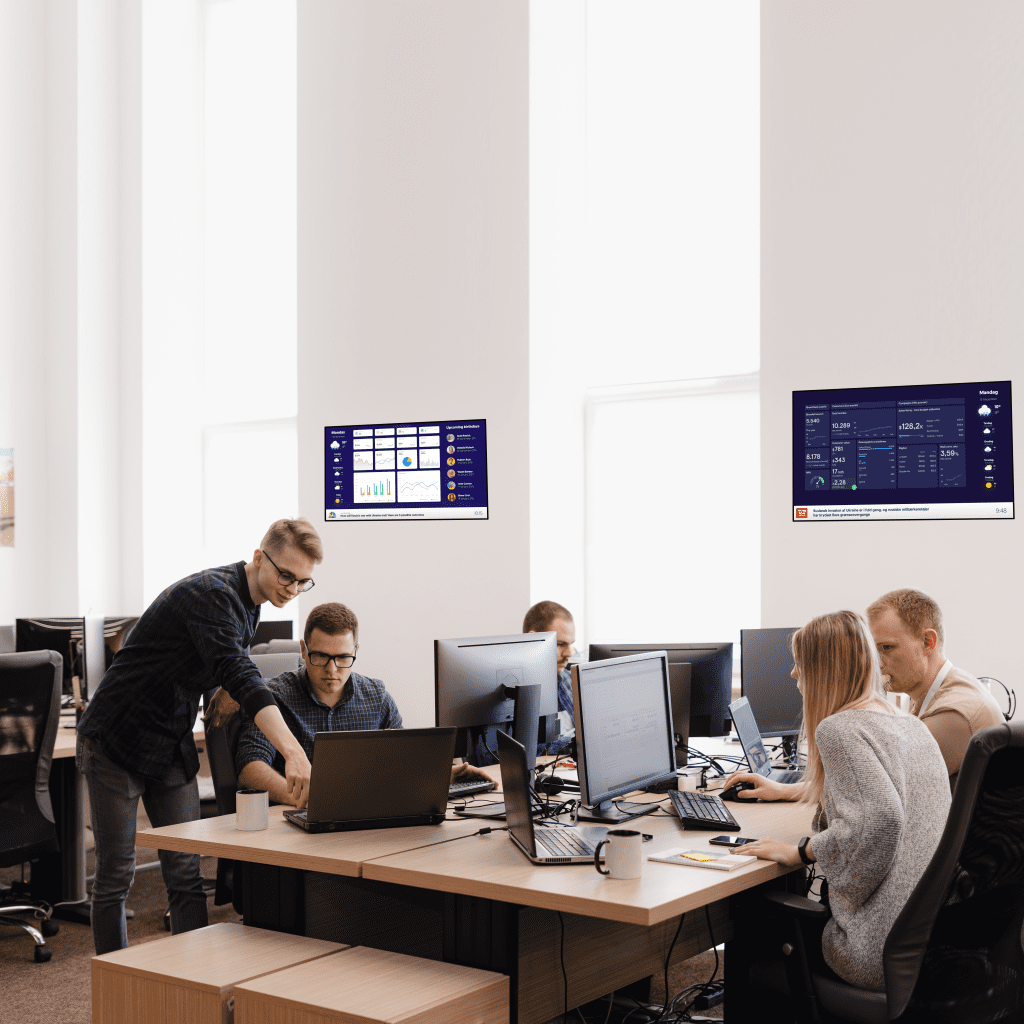
Companies use Q-Play for internal communication—info screens in receptions, cafeterias, and offices showing news, KPIs, and meeting overviews.
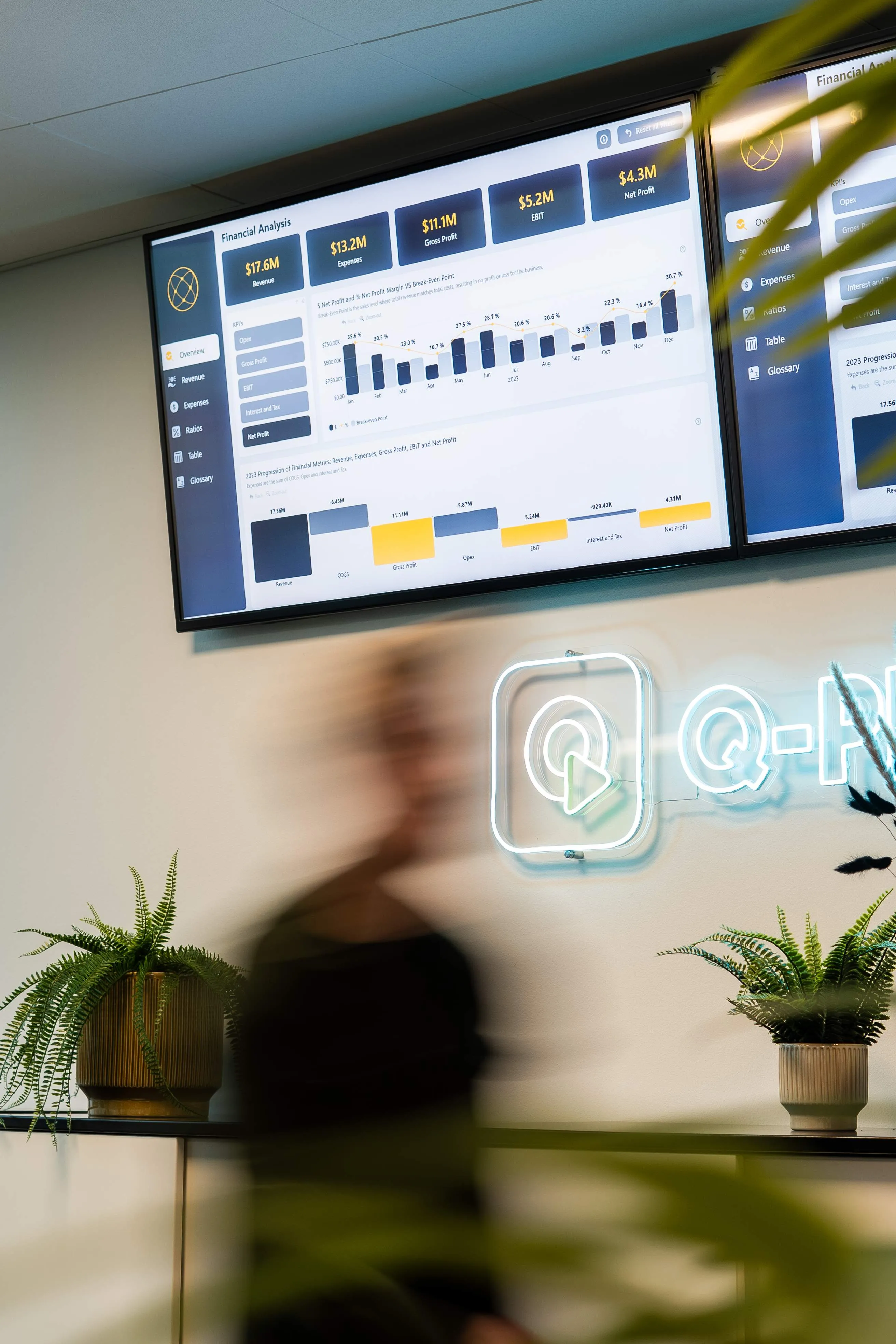
Blurred person walking in front of two large screens displaying financial analysis charts and metrics, with potted plants and neon sign on wall.
Retail
Widely used in stores and showrooms to display campaigns, promotions, and KPI dashboards in staff areas. Integration with POS systems and dynamic data makes it highly attractive for retail.
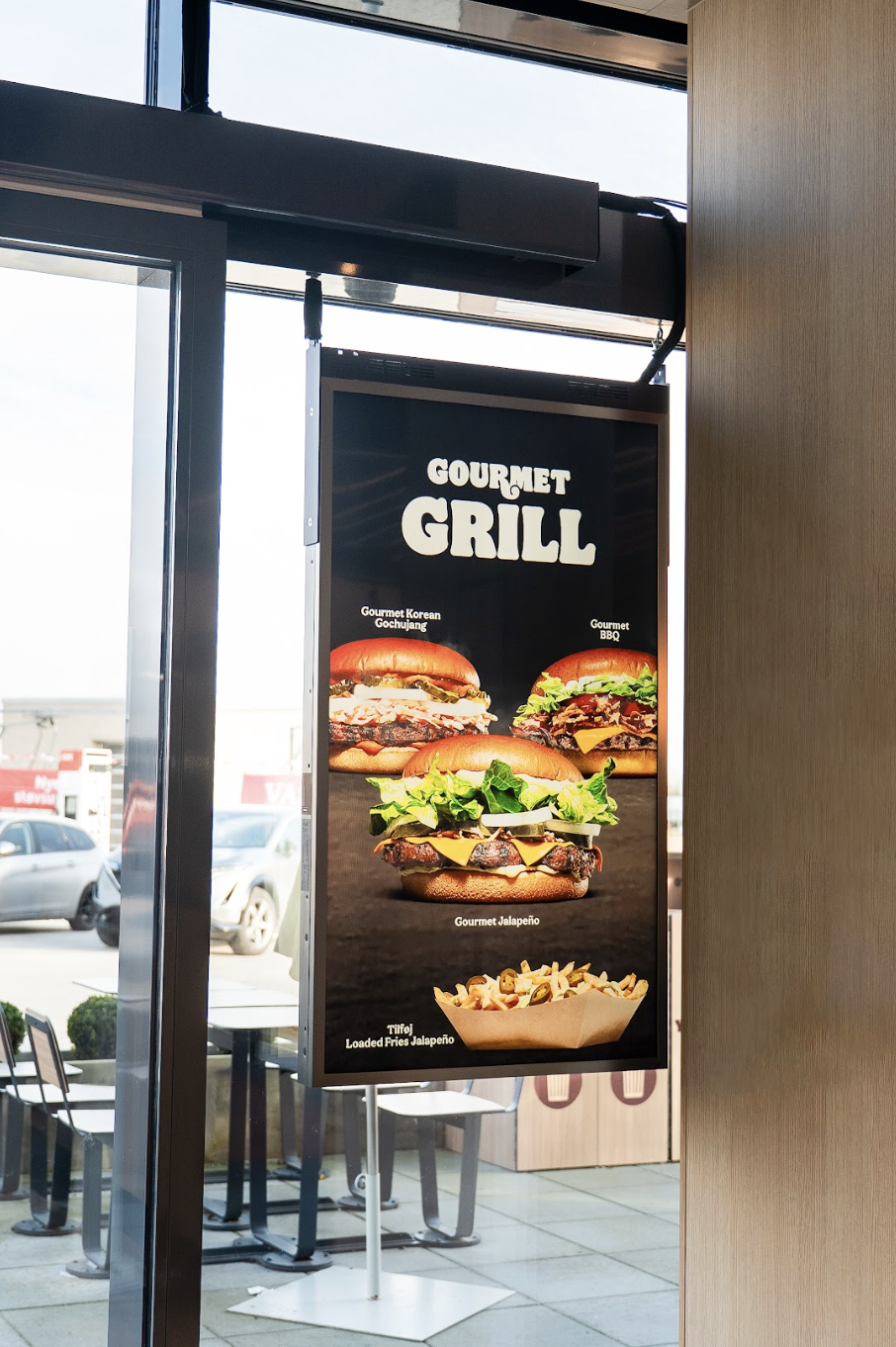
Menu board displaying three burgers named Gourmet Korean Gochujang, Gourmet BBQ, Gourmet Jalapeño, and a serving of loaded fries with jalapeños.
Hospitality (Hotels, Restaurants, Events)
Used for wayfinding, menus, meeting room displays, and guest information in hotels and restaurants.
Man operating a silver espresso machine on a kitchen counter with a digital menu and coffee guide on the wall behind.
Events & Exhibitions
Q-Play powers dynamic info screens at trade shows and conferences to display programs, sponsors, and live updates.
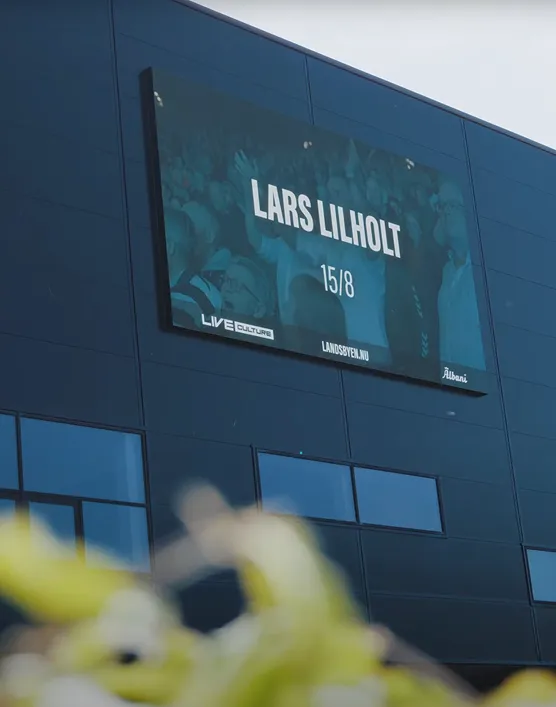
Digital billboard on a dark building facade displaying 'LARS LILHOLT 15/8' with logos for Live Culture, Landsbyen.nu, and Albani.
Smart tools for effortless communication

With Q-Play, creating and managing digital signage is as easy as it should be.

App UI
Design Tool
Create stunning content with Q‑Play’s drag‑and‑drop editor. Use ready-made templates and built-in apps for images, videos, weather, news, and more—no design skills required.
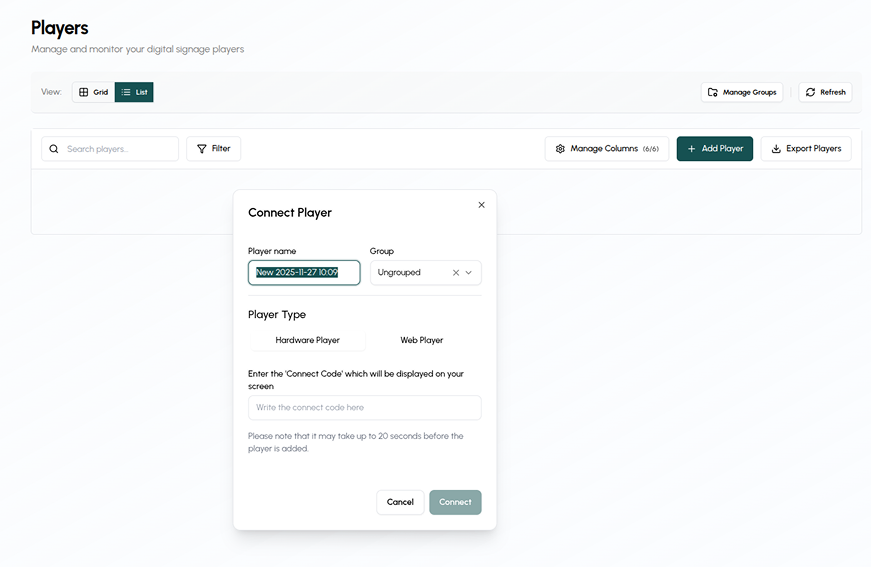
Digital signage management interface showing a 'Connect Player' popup with player name, group selection, player type options, and fields to enter a connect code, plus buttons to cancel or connect.
Player Control
Get your screens live in minutes with Q‑Play Players. Simple connect-code setup works seamlessly with LG professional displays and other supported hardware.
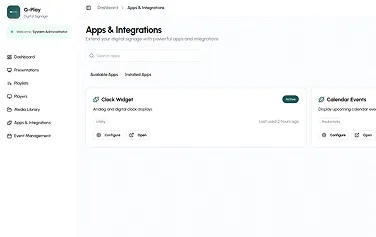
Apps & Integrations
Enhance your signage with dynamic apps (weather, news, dashboards) and integrations for real-time data like KPIs and external URLs—keeping your content fresh and relevant.

Read some of our cases and get inspired

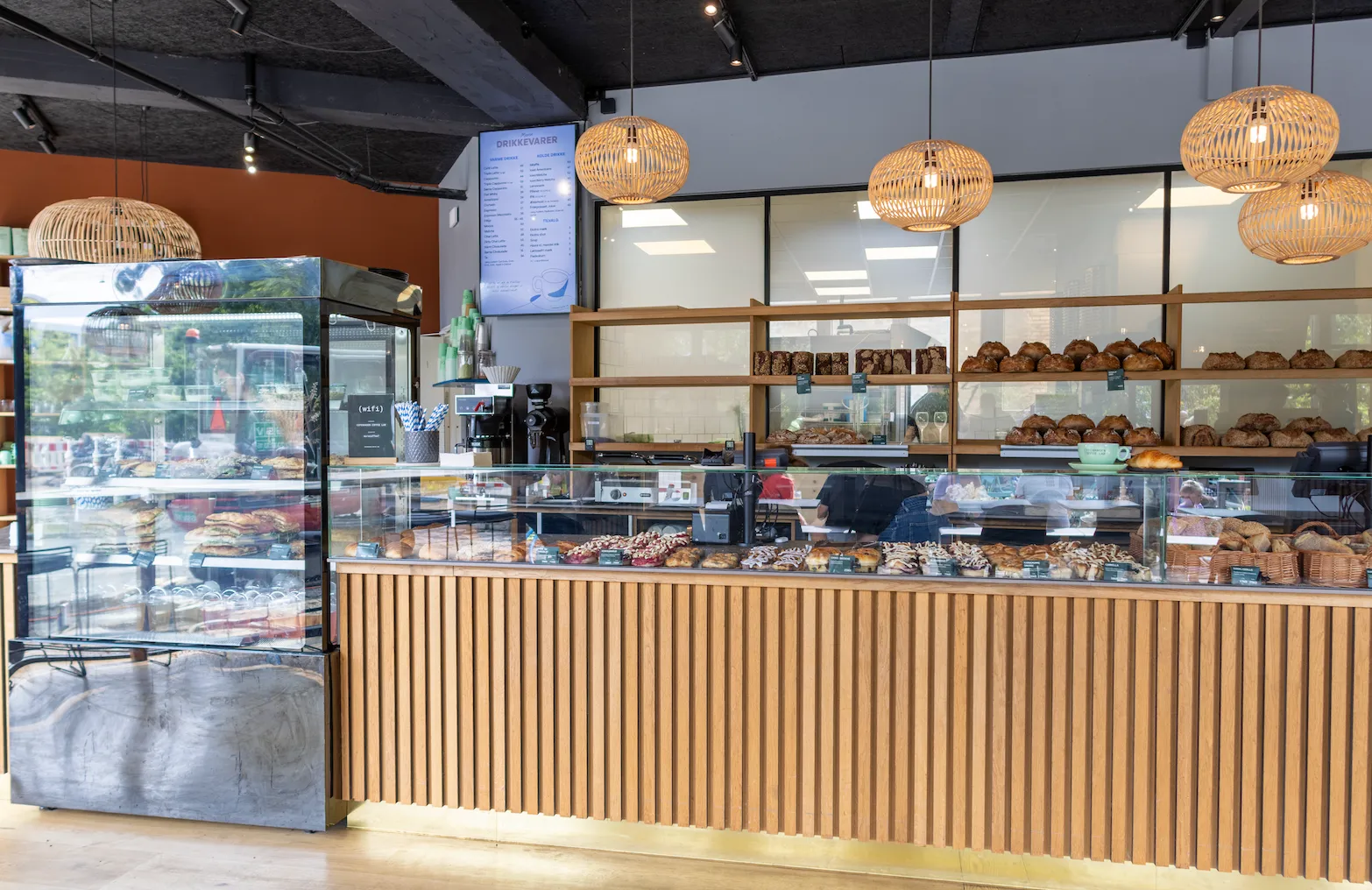
Copenhagen Coffee Lab digitalizes their menu experience with Q-Play
The chain needed a solution that was simple, flexible, and visually appealing, while also making it easy for guests to orient themselves before ordering.
46
Locations
4
Countries
Trusted by teams everywhere
Companies of every size use Q-Play to simplify communication and engage their audiences

Konventum

We quickly and easily implemented digital signage at our 57 meeting rooms with full integration to our booking system. The strong start to the collaboration between Konventum and NordicScreen also meant that we soon embarked on further development of our digital signage platform.

Michael Wax Due
IT-Manager

Copenhagen Coffee Lab

The strong partnership, combined with the reliability of the Q-Play platform, has made the implementation seamless and valuable.

Julie Skallebæk
Brand- & Product Manager

Odense Congress Center

Together, we have created an intuitive and scalable system that enhances the guest experience and optimizes daily operations.

Paw Andersen
Conference Coordinator

Dansk Industri

I can highly recommend NordicScreen as a supplier, as they have the ability to listen to the customer’s needs and, through dialogue, find the right solution.

Helge Nielsson
IT Project Manager

Beumer Group

All in all, we are happy to have a partner with an international focus, who is easy to talk to and provides good advice. This has been incredibly important in the process of choosing a new supplier for our info screens.

Peter Elmvang
CMO
We integrate with your favorite apps

Built for enterprise. Scaled for you.

Integrate with Entra ID, Power BI, and your existing systems — without complexity.

Book a demo

FAQs

Quick answers to common questions
Smiling middle-aged man in a white shirt sitting indoors near large windows with a blurred bouquet and glass on the table in front.
How do I install Q-Play?

Follow the step-by-step guide in our help center here: https://help.nordicscreen.com/portal/en/kb/hardware-installation/q-play

How do I add apps and dynamic content?

In the design editor, click Add App. Choose from widgets like weather, news, social media feeds, or dashboards.

Can different departments control their own screens?

Yes. Use Groups to segment screens by department or location, giving each team control over their content.

Do I need special hardware?

No special hardware is required. Q-Play works on most modern screens and players, including Windows QUIET-E Player and LG soc players. But if you run videos we always recommend having an external player like the Windows QUIET-E.

How do I create my first design?
  • Log in to your Q-Play account.
  • Go to DesignsCreate New.
  • Choose a template or start from scratch.
  • Add text, images, videos, or apps.
  • Save and publish to your screens.
  • What is Q-Play?

    Q-Play is a cloud-based platform for managing and displaying dynamic content on digital screens. It allows you to create, schedule, and control content across multiple locations from a single dashboard.

    Sign up for free in Q-Play here
    Insights and ideas from the NordicScreen team
    Get tips, product updates, and inspiration for smarter digital communication.
    Multi-Factor Authentication (MFA) is now available in Q-Cal

    We’re excited to announce that Multi-Factor Authentication (MFA) is now available in Q-Cal! This upgrade adds an extra layer of security to your scheduling and calendar management, ensuring your data and access remain protected.

    Solution heading
    Product News

    Q-Play Now Fully Supports LG WebOS 8 and Enhanced SoC Playback

    Nordicscreen now offers full support for LG WebOS 8, making us ready for the newest generation of LG signage displays. At the same time, our existing support for LG’s built‑in System on Chip (SoC) players has been expanded and is now fully developed, giving you a stable and streamlined way to run Nordicscreen without external hardware.

    Solution heading
    Product News

    Netværkshuset N1 – Creating a Seamless Guest and Meeting Experience

    Netværkshuset N1 is a dynamic business hub hosting multiple companies under one roof. With so many organizations sharing the same space, ensuring guests feel welcome and find the right destination can be challenging.

    Solution heading
    Coworking space

    Show availability of Clever charging stations

    With our new integration of the Clever App you can show a live availability of your chargers on your digital signage

    Solution heading
    Clever Charging

    How to Comply with the NIS2 Directive: A Step-by-Step Guide for Businesses

    Navigate the NIS2 Directive, and Learn how NordicScreen's visitor management solutions can streamline your compliance efforts.

    Solution heading
    NIS2 Directive

    Enhance Visitor Management with NordicScreen's Mobile Check-In

    Discover NordicScreen's Mobile Check-In via QR Code – the visitor management solution designed for efficiency and convenience.

    Solution heading
    Mobile check-in

    Combine i3-Technologies and Q-Play

    By combining your i3-technologies and digital signage solution you can create a more engaging and efficient learning environment.

    Solution heading
    Digital signage

    15 Reasons Why You Should Use Digital Signage

    Read our 15 reasons why you should use digital signage in your business and see if you are ready to come and join the digital signage club.

    Solution heading
    Corporate communication

    How to Digitize Your Theater’s Gallery Wall

    As e.g. a theater, music theater or movies you are no stranger to the hassle of keeping your gallery wall of posters from current events up to date.

    Solution heading
    For theater’s

    Digital Signage for your Store

    Showcase product videos, special offers, and more with a digital signage solution. Cloud-based management for easy campaign control.

    Solution heading
    Signage for stores

    Display all of your sponsors with Q-Play

    Whether you are a theater or a sports club you probably have several companies sponsoring your activities.

    Solution heading
    Display sponsors

    Automate the Sharing of Your KPI Dashboards

    Read all about how to use Q-Play to share your KPI dashboards. Now you can easily visually display the relevant KPIs all over your company.

    Solution heading
    Show KPI dashboards