How to Digitize Your Theater’s Gallery Wall
How to Digitize Your Theater’s Gallery Wall
Tired of manually displaying your posters? – Create a digital version with Q-Play
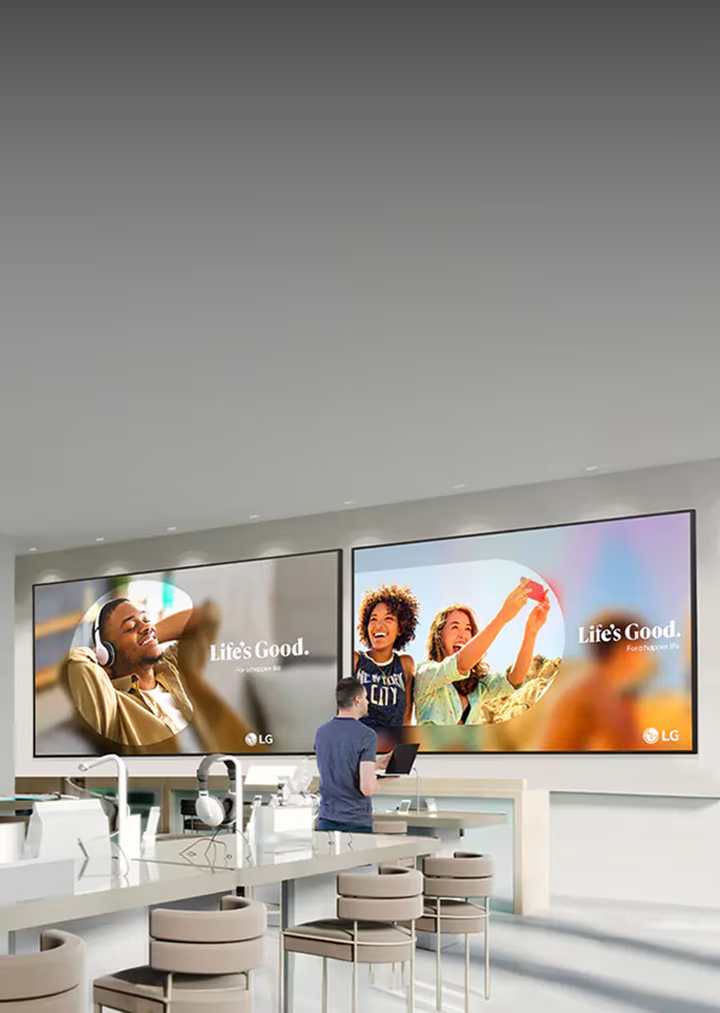
As e.g. a theater, music theater, or movies you are no stranger to the hassle of keeping your gallery wall of posters from current events up to date. It can be very time-consuming to remove one poster only to put up the next and you risk having posters hanging that are no longer relevant, outdated, or even with wrong information. With Q-Play you can digitize your gallery wall so your display of posters is modern, always up to date, and easily adapted when changes happen.
Table of Contents
What is a Gallery wall
A gallery wall is a wall where you can display pictures or posters about shows, movies, etc. you are hosting.
It is a way for you to give people a teaser and pique their interest, so they will buy a ticket. At the same time, the gallery wall also acts as a way of communication with your audience, because you are able to display at what time and where the play takes place.
Why Have a Digital Gallery Wall?
Because it is smart!
You get a wall of posters that you don’t have to print, that can be remotely managed by multiple people, and that have time settings so the posters automatically change according to which plays are on. You basically remove the entire manual process besides designing the poster itself.
With a digital gallery wall, you will save both time and money. We have all seen the person standing in front of the theater or the movie juggling with taking down old posters and cleaning the glue off of the wall, only to apply new glue and put up the next poster. If this person is lucky he/she has a frame for each poster, making his/her job a tiny bit easier, but the hassle doesn’t even start here.
The hassle starts when the poster is made. Your graphical designer has just made the most awesome poster and now you need to print it. That is expensive.
After printing a good amount of copies, you discover a slight mistake, now you have to reprint all of them. That is expensive and time-consuming. You might repeat this process until you are happy with your posters. Then comes the hassle of putting the posters up. Yay now you are done … well unless God forbid, you need to change the time for the play or any kind of important information, which is included on the poster.
All of these pains are what drove Vejle Musikteater to look for a smarter solution. They found Q-Play, which solved all of their problems
How Does a Q-Play Gallery Wall Work?
When your graphical designer has created an awesome poster, you do the following:
- Sign in to Q-Play
- Upload the poster/picture
- Assign the poster to your Q-Play presentation of the poster content
- Set a time for when the poster is active
- Press Publish
With those five simple steps, your poster is up and running. You don’t even have to pay the actual gallery wall a visit. It can all be done remotely from your computer and if God forbid, you need to change some of the information on the poster, you can do it all in Q-Play in a matter of minutes.
Also, you can share the responsibility of the gallery wall among several people. Just add multiple users to your Q-Play account, and now you all have access to the gallery wall. Each from their own computer due to Q-Play being a cloud-based digital signage solution.
With the many time management features in Q-Play, you can plan your entire season in one day. We all know that before this season is over, you have started planning for the next, that is how showbiz works. Q-Play can help you with that!
The minute you get the posters for next season, you can set them up in Q-Play and with the time management features you decide when that specific poster is to be displayed on your wall. This doesn’t need to be restricted to a time period of a couple of months. Maybe you have shows for children at the beginning of the day and shows for adults in the evening. Well, set a time. That way your gallery wall will be filled with relevant posters for children’s shows in the morning and adult shows in the evening. That way you don’t just manage what months or days the poster is displayed, but also what time of day.
A Professional and Awesome Design?
If you are not up for creating your own designs, we have some excellent professional designers that are ready to help you. Together you can create beautiful designs that help promote your shows in a way that makes it almost impossible for customers not to buy a ticket.
How To Get Started?
In order for your Q-Play gallery wall to work you need three simple things:
- A Q-Play account
- A Q-Play compatible media player
- A screen of your choice
You can create your account for free, just press the green button in the upper right corner. Then you need to order a Q-Play-compatible media player. We have several players, each with their own specifications and best use cases. For a gallery wall filled with static posters or even a video poster or two, we strongly recommend our medium or high-end players.
A media player is basically a small computer installed in the back of your screen, that runs your content. To display posters of high quality and maybe on a non-standard screen, you need a player that is powerful enough to do this without compromising the quality of your posters. That is why we recommend those specific players.
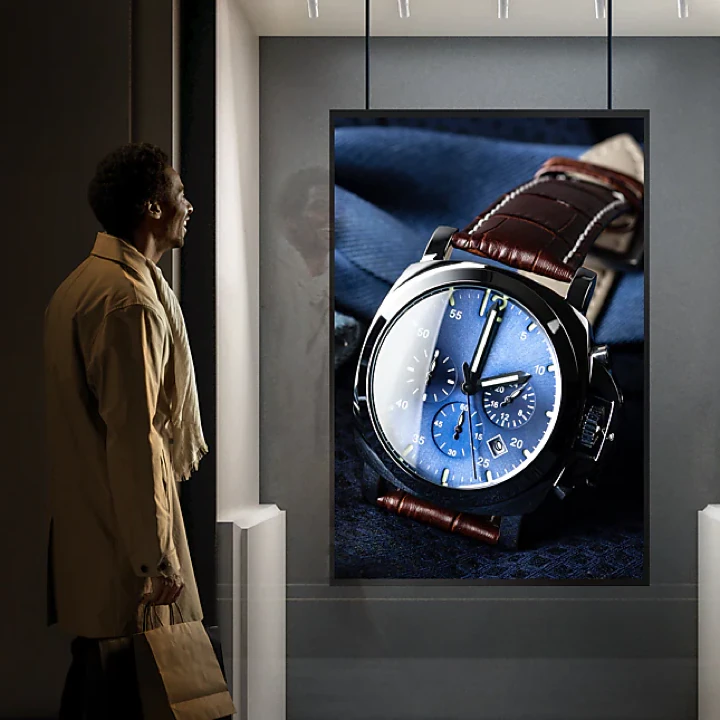
Of course, you also need to decide how you want your gallery wall to look. Do you want one long screen, where you post all of your posters? Or do you want multiple 9/16 screens sitting next to each other with one poster on each? It is completely up to you and your imagination, how you want your digital gallery wall to look.
What is the price?
Hopefully by now you are all hooked, and your mind is screaming I need this! while at the same time saying
This can’t be cheap?
Nothing in life is free, and that also goes for a signage solution like this. However, I betcha that it’s not as expensive as you think. Of course, you need to invest in a screen and media player and yes, that can potentially be an expensive one-time payment. But, in the long run, you will save money, because instead of paying for endless amounts of printed posters, you now only have to pay your Q-Play subscription fee.
In Short …
You need a Q-Play gallery wall for your posters because it saves you time and money. The problem of keeping your gallery wall up to date and adapting to changes is no longer a problem.
Your posters are managed on a cloud-based platform that makes it possible for you to access them on your computer from anywhere in the world and make all the changes you need. You also get a time management feature, so you can preplan your posters according to the season and time of day.
No more manually going out to change the posters.


.png)