14:48
Smarter meeting rooms. Seamless booking.
Our software Q-Cal helps you eliminate ghost meetings and prevent double bookings.
Make your workspace smarter
Q-Cal brings simplicity, clarity, and control to every meeting room in your office.
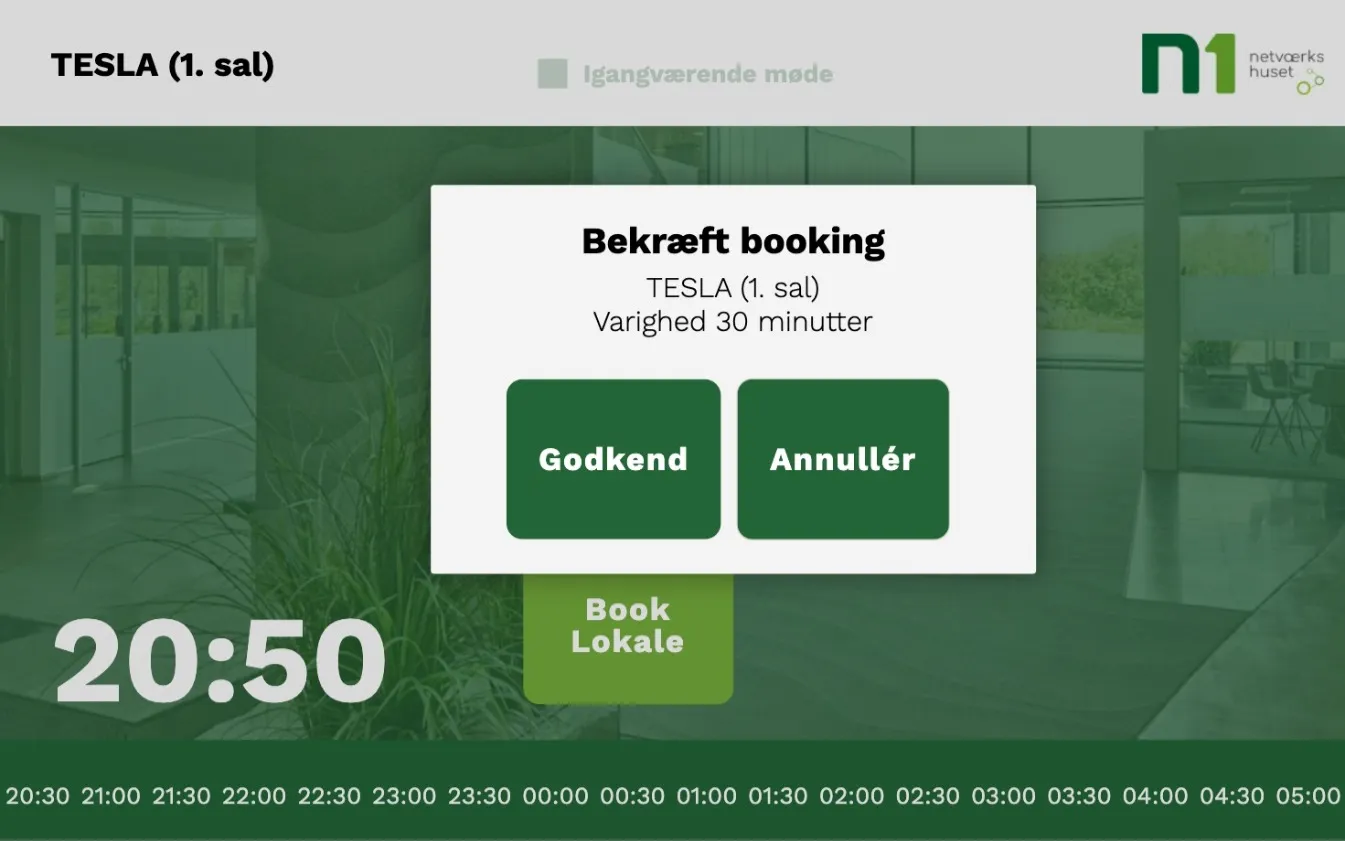
Ad-hoc booking
Book meetings directly from the screen — no confusion.
Ad-hoc reservations are synced instantly with your calendar system.
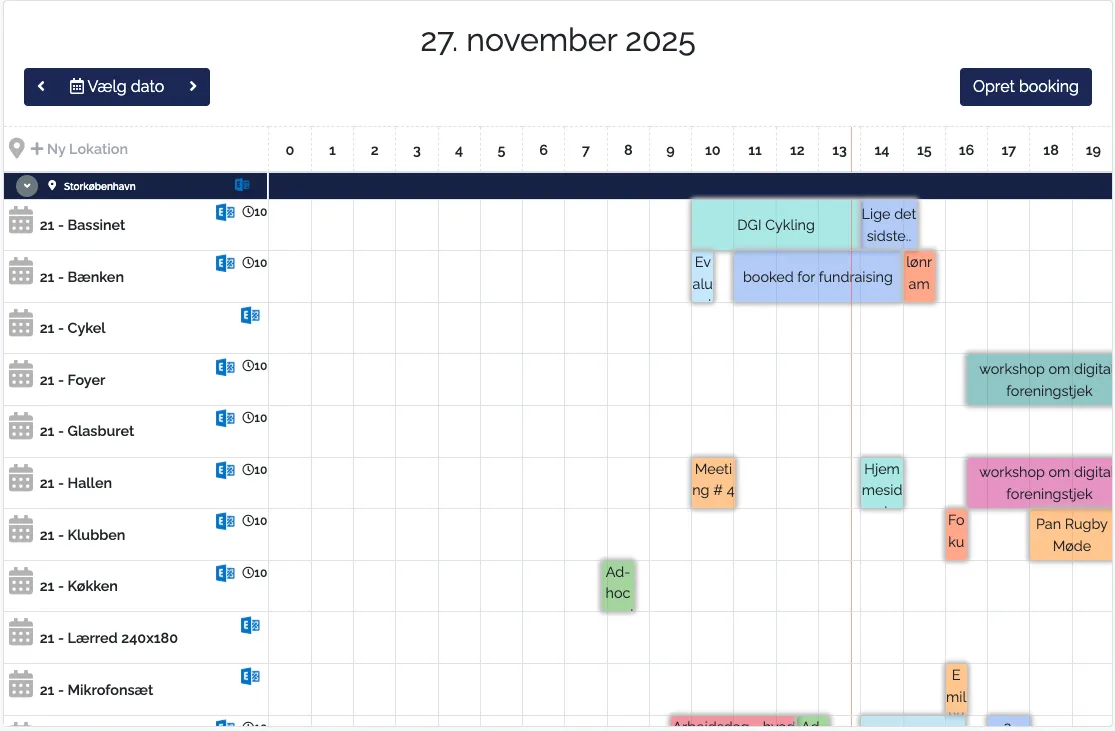
Real-time sync
Two-way integration keeps every booking, cancellation, and update perfectly aligned across all devices.
No more double bookings or ghost meetings.
Custom branding
Tailor your displays to your company identity with logos, colors, and layouts that fit your brand.
Create a professional and personal booking experience.
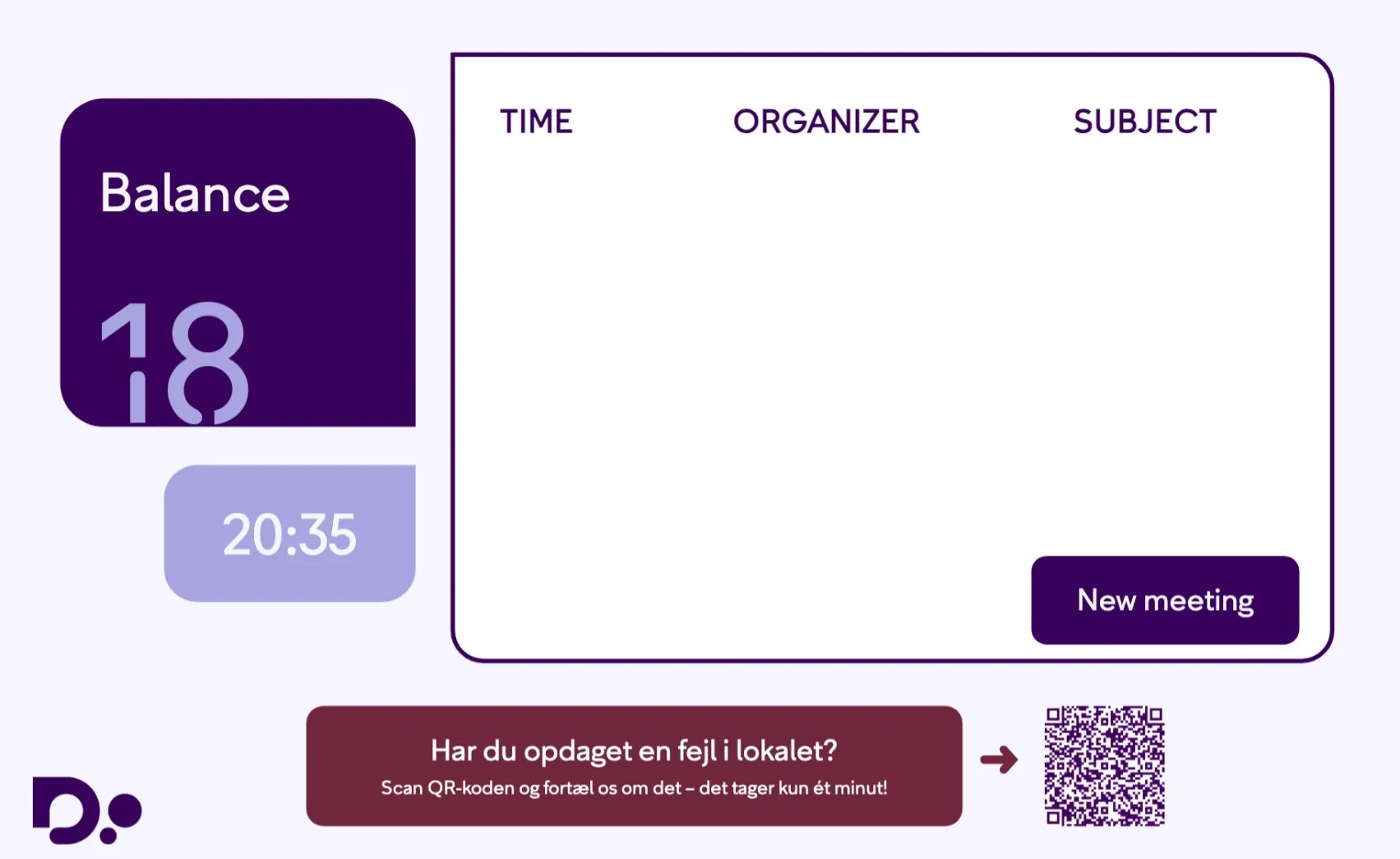
Match your brand. Manage your spaces.
Make every room feel like part of your company.
Adjust the brand color, name your rooms, and switch between status themes to see your unique setup come to life.
With Q-Cal you can match you visual identity.
With Q-Cal you can match you visual identity.
Thank you! Your submission has been received!
Oops! Something went wrong while submitting the form.
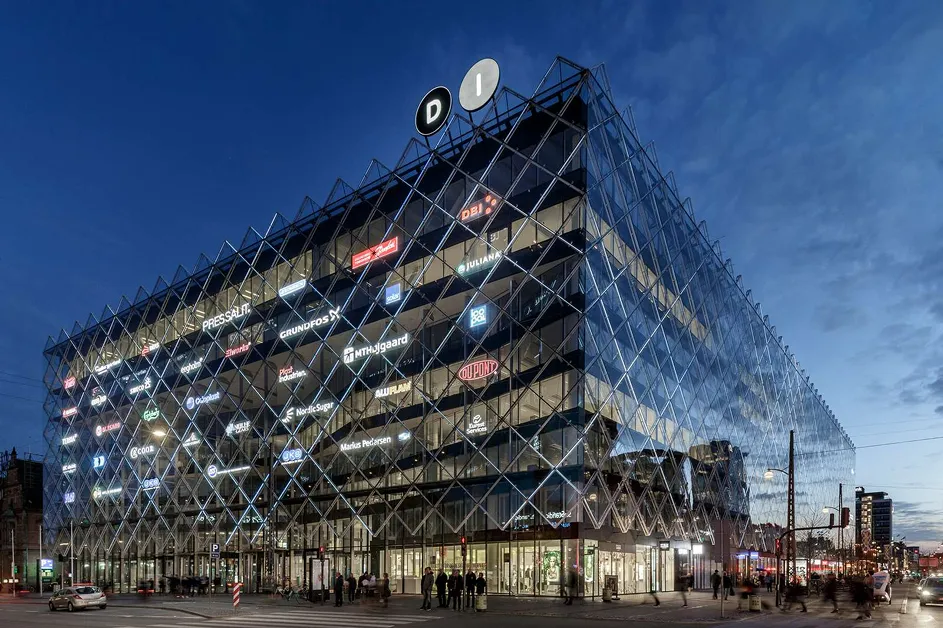
How Dansk Industri streamlined every meeting room with Q-Cal
Dansk Industri needed a way to manage all their meeting rooms without confusion, ghost meetings, or manual scheduling. With Q-Cal, every room now syncs directly with their Microsoft 365 calendar.
We integrate with your favorite apps














Q-Cal connects your meeting rooms to your calendars
Ghost meetings waste valuable space
Q-Cal revolutionizes the way you manage meeting spaces by ensuring that every room is utilized efficiently. By eliminating ghost meetings, which occur when a room is booked but not used, and preventing double bookings, Q-Cal maximizes the availability of your meeting spaces. This not only enhances productivity but also reduces the frustration of finding an available room at the last minute.
Double bookings cause confusion
By integrating seamlessly with popular calendar systems like Google Calendar and Microsoft Outlook, Q-Cal ensures that any changes made to a meeting schedule are instantly reflected across all platforms. This two-way synchronization not only prevents scheduling conflicts but also keeps everyone informed in real-time, reducing the chances of miscommunication and ensuring that meeting spaces are used efficiently.
Outdated screens and unclear availability
Modern displays provide real-time updates on room availability, ensuring that everyone is aware of the current status at a glance. These displays are designed to be intuitive and user-friendly, allowing employees to quickly see if a room is free or occupied without having to check their devices. This instant visibility helps in making quick decisions and reduces the time spent searching for available meeting spaces.
Built for enterprise. Scaled for you.
Integrate with Entra ID, Power BI, and your existing systems — without complexity.
Let's talk
Trusted by teams everywhere
Companies of every size use Q-Cal to simplify communication and engage their audiences
FAQs
Quick answers to common questions

How do meeting room displays work?
Meeting room displays show real-time availability and booking details by connecting to your organization’s calendar system (such as Office 365, Exchange, or TimeEdit) through native two-way integration. This ensures that any changes—whether made on the display or in your calendar—are instantly synchronized.
However, managing multiple rooms across different platforms can quickly become complex. This is where our software, Q-Cal, becomes essential.
Q-Cal acts as a centralized calendar hub, allowing you to:
- View all meeting rooms in one unified calendar.
- Schedule meetings across multiple rooms without switching between systems.
- Ensure real-time updates flow seamlessly to every connected display.
With Q-Cal, you eliminate confusion and double bookings, making meeting room management simple and efficient.