Automate the Sharing of Your KPI Dashboards
Automate the Sharing of Your KPI Dashboards
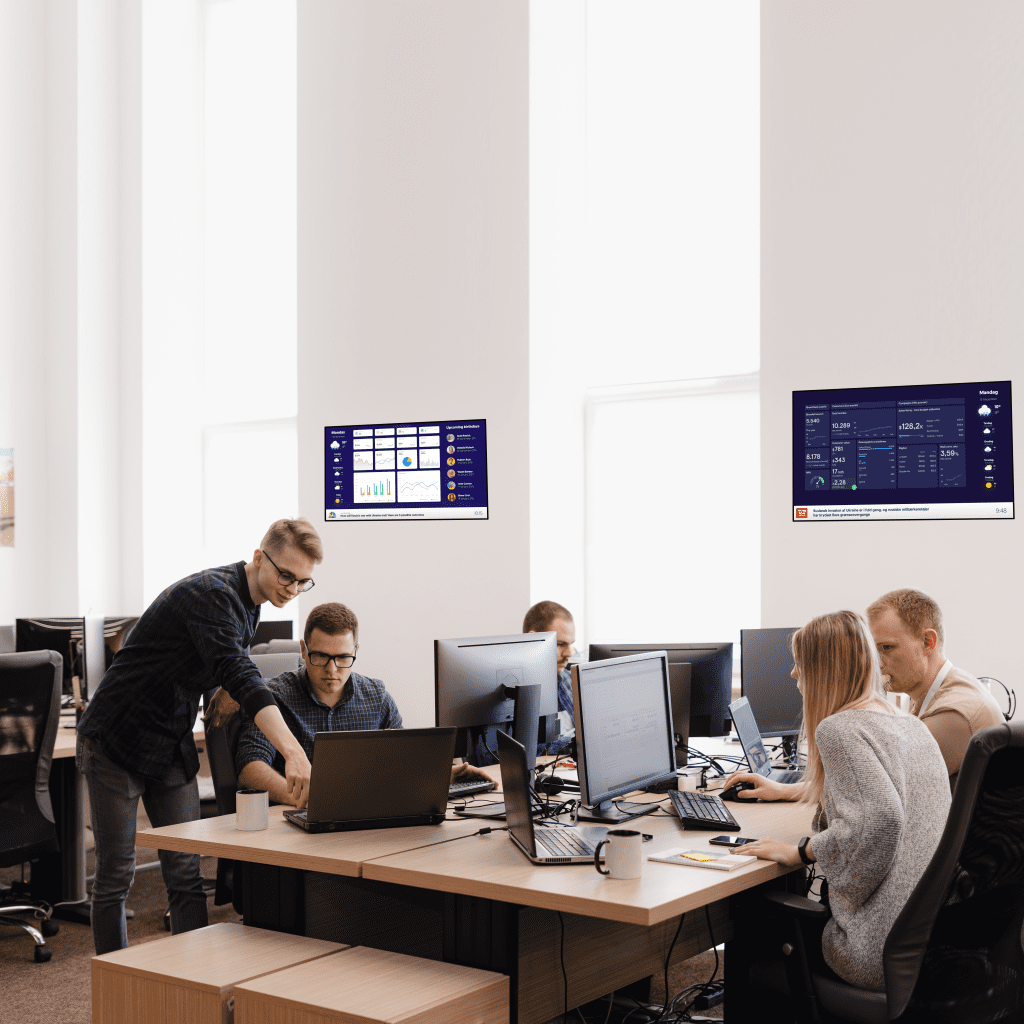
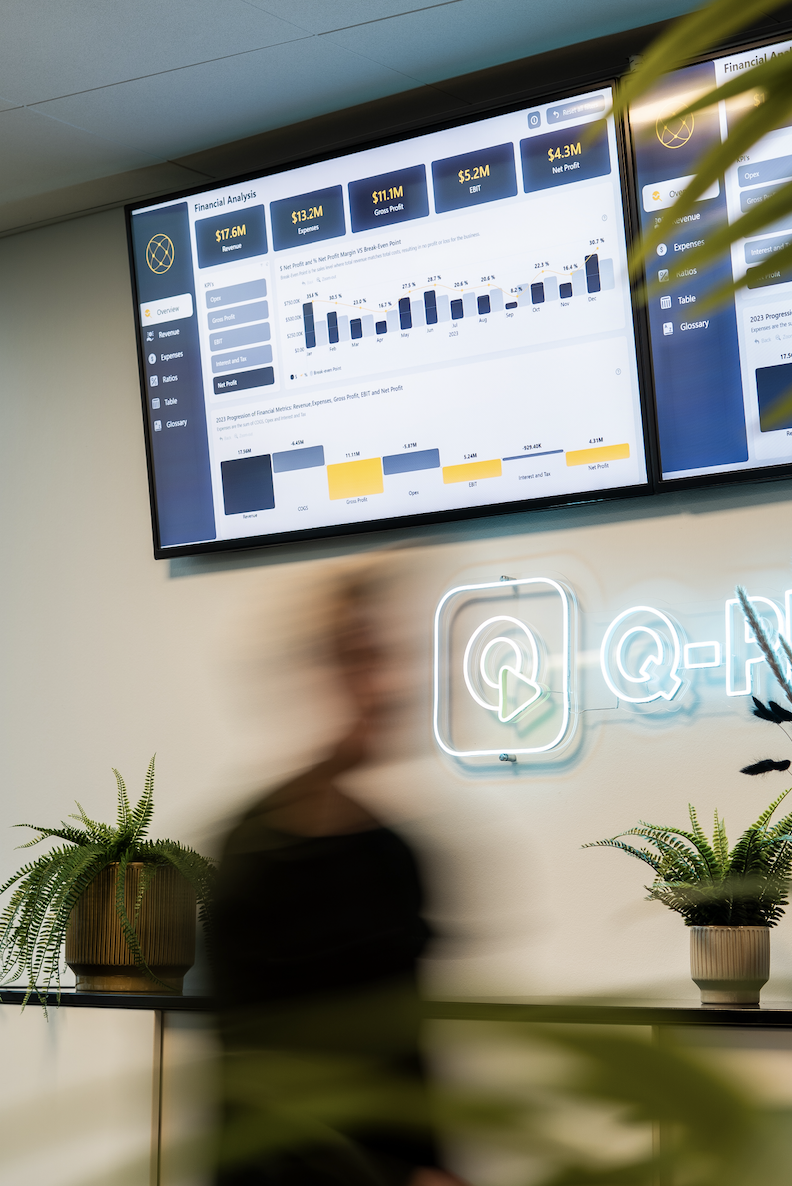
KPIs and dashboards are used to monitor and evaluate the day-to-day progress and success of your company. Having the KPIs and dashboards shared on digital screens throughout the company can be a tool for team motivation, tracking progress, and helping you to reach your goals.
Table of Contents
How Does it work?
Using a cloud-based digital signage solution like Q-Play, you can easily share dashboards and KPIs in no time. Grab your KPIs, dashboards, and other types of information and design them using a drag-and-drop template. Place your content on the canvas, and create useful and aesthetic layouts. When your design is good to go, you can share your dashboards and KPIs with your colleagues so they can stay informed and become motivated by the latest numbers.
Due to Q-Play being a cloud-based digital signage solution, you can control all of your screens from your computer. You don’t even have to be in the same country as your screens. This means that you can differentiate the designs on each of your screens, making the KPIs and dashboards displayed in each location more relevant for that location. Let’s take an example:
For the people in your call center, the most important KPIs is the average wait time, how many are in the phone line, and which employees are available on the phone. Of course, they need a dashboard displaying these KPIs and not information like how many packages are waiting to be packed or which products to pack next. No, this information is important in your warehouse.
So, when designing the content for your digital signage screen in the call center you put in the call center dashboard/KPIs along with other relevant information like the weather, whose birthdays it is, or company guidelines. You do the same for the warehouse, except you use the dashboard to tell them how many packages they have packed so far.
Why you should have it?
Why do you have dashboards? – Well because they display important information that different people throughout your company need in order to do their job properly. No, coming up with the right KPIs and designing them in a nice dashboard is not easy.
When you have spent the time and money on creating these dashboards, you are left with the question of how to distribute them to your colleagues.
With a Q-Play Digital Signage solution you can put up screens in every room or area, where you want your dashboards display. By having all of your screens connected to Q-Play, you can now control all of them from your computer. So, now you don’t have to spend time going around the whole company hanging up A4 papers that no one ever read anyway.
From your computer, you can design the content on each screen, so it is relevant for the people looking at it. And, you don’t have to print a single page. If designed correctly, the screens even update the KPI data automatically, whenever your dashboard is updated.
This makes your communication and display of KPIs more efficient and less time-consuming. – It might even save you some money.
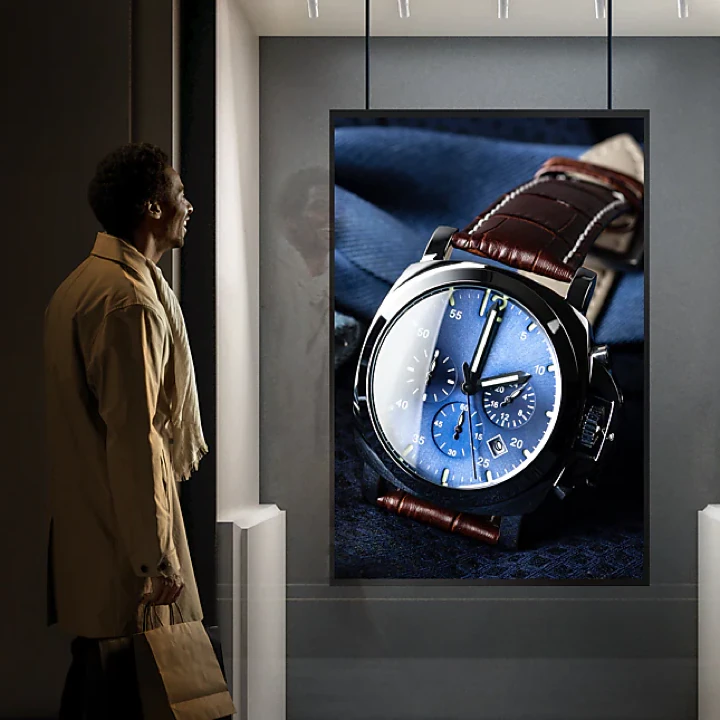
Likewise, a cloud-based digital signage solution provides you with a quick and flexible way to communicate with your customers. You are able to make changes and put up new content from the comfort of your own office no matter how many screens are connected to your solution and where in the world those screens are located.
This solution is more flexible, convenient, and cheaper than having to print and distribute posters to all of your vendors.
The moving content of a digital sign is also something that grabs attention on a whole other level compared to a static poster. Thereby, greatly increasing your chances of being noticed by potential customers.
How to get started
Well, first of all, you need the KPIs and the dashboards. Preferably somewhere online, so they can be automatically updated. Then you need the screen and a Q-Play compatible media player to run your digital signage solution. And then of course you need a Q-Play subscription.
Most of our customers started by creating a free Q-Play account in order to test how it would work and how to incorporate their dashboards.
If your dashboard is in the form of an Excel sheet or publically available online you just pop it into our Excel or Website app and you are good to go. However, most companies don’t want their most internal numbers available for everyone to see, so they are placed online behind a login. Here you can use our Web Automation app. Web Automation is an app in Q-Play that allows you to access information placed behind a login and is therefore perfect for accessing dashboards and KPIs.
A Professional and Awesome Design?
Too much information on one screen can end up confusing you and your target audience more than it helps you motivate and keep track of your KPIs. With a professional design, you make sure that your KPIs are displayed in a stylish and useful way. Because who said KPIs need to be boring?
What is the Price?
The price of your solution depends on the size of your solution.
You will need a Q-Play subscription for all your screens and a windows player, which is why the price of your solution might vary.
To sum up …
Using a Q-Play Digital Signage solution to display dashboards and KPIs around your company is a good idea because it saves you time. It makes your communication more efficient and helps you adapt so that different departments in your company only see the information relevant to them. You no longer have to print and walk about hanging up old-fashioned papers. You just design your signage solution, with your dashboards, from your computer and share them on all the screens you want.

.png)