Bring Your Calendar to Life with Digital Signage
Bring Your Calendar to Life with Digital Signage
Do you have a calendar that contains all the important events that are happening in your organization? Make it easier than ever to share it with the whole team and flaunt it on your digital signage.
Endless possibilities
No matter what type of business you run, displaying a calendar on your digital signage can be a total game-changer. It keeps everyone in the loop and reduces confusion.
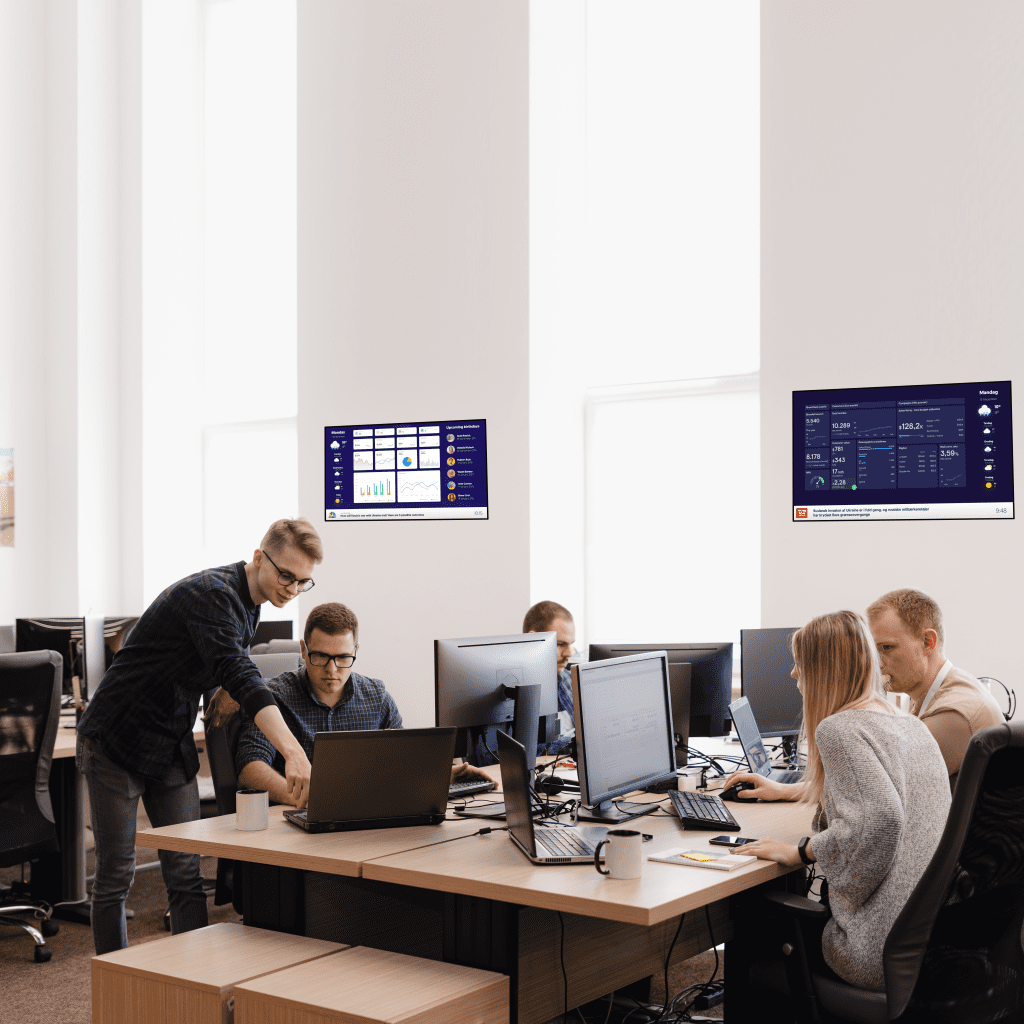
Office spaces can use this feature to share meeting room availability or important deadlines so no one gets surprised when that Q2 deadline sneaks up.
If your workplace has remote or shift-based working hours a shared calendar helps keep track of who’s in and when, making collaboration smoother.
In fitness studios and gyms, digital signage can show the daily lineup of classes, so members always know when their favorite spin or yoga session is happening.
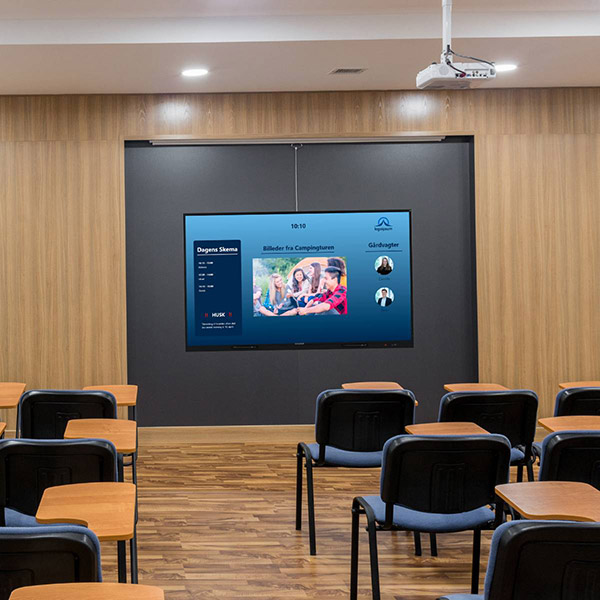
Schools and universities can use it to display exam schedules, upcoming lectures, or campus events, helping students stay on top of important dates. Even government offices and community centers can benefit by showcasing public meetings, local events, or available facilities for booking.
And the best part is that you only need Q-play and Q-cal to make it work in a few minutes!
Just 3 Steps
If your events are already in Q-Cal then your calendar can be on your screen in just 3 simple steps. Using another calendar? Just sync it to q-cal beforehand and you’re good to go!
- Prepare your presentation in Q-play
First prepare the presentation where your calendar will be shown and simply drag and drop the Q-cal app on there. You can decide if the calendar takes up the whole screen or will you maybe add the news? a weather app? Take your time and create exactly what you want. - Customize your calendar
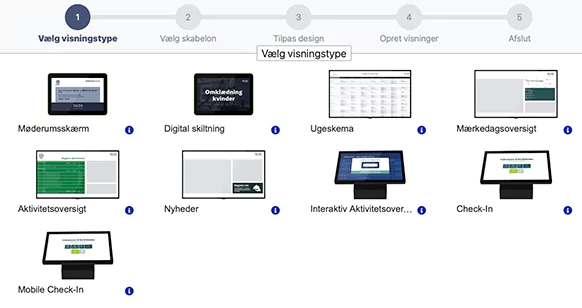
Choose on which device your calendar will be displayed and what interface you want to go with.You can either choose a template and not worry about anything or personalise it, use your company’s logo and colors. - Copy code to Q-play
When your master creation is done, you simply copy the code of it and paste it in your presentation from step 1. With the code imputed you should start seeing your calendar come to life right in front of your eyes.
Choose any device
This feature can be used on all different kinds of devices. A classic digital signage screen, a check-in touch-screen or a meeting room screen.
Templates and Customization
We decided to keep it as easy as possible. When creating your calendar you get a range of templates to choose from, each designed to fit your specific device and its orientation, whether horizontal or vertical.
The templates can be customized, some let you upload your company logo, but all allow you to change the color scheme in multiple places to make it yours.

.png)