Bring Your Calendar to Life with Digital Signage

Do you have a calendar that contains all the important events that are happening in your organization?

Bring Your Calendar to Life with Digital Signage

Do you have a calendar that contains all the important events that are happening in your organization? Make it easier than ever to share it with the whole team and flaunt it on your digital signage.

Endless possibilities

No matter what type of business you run, displaying a calendar on your digital signage can be a total game-changer. It keeps everyone in the loop and reduces confusion.
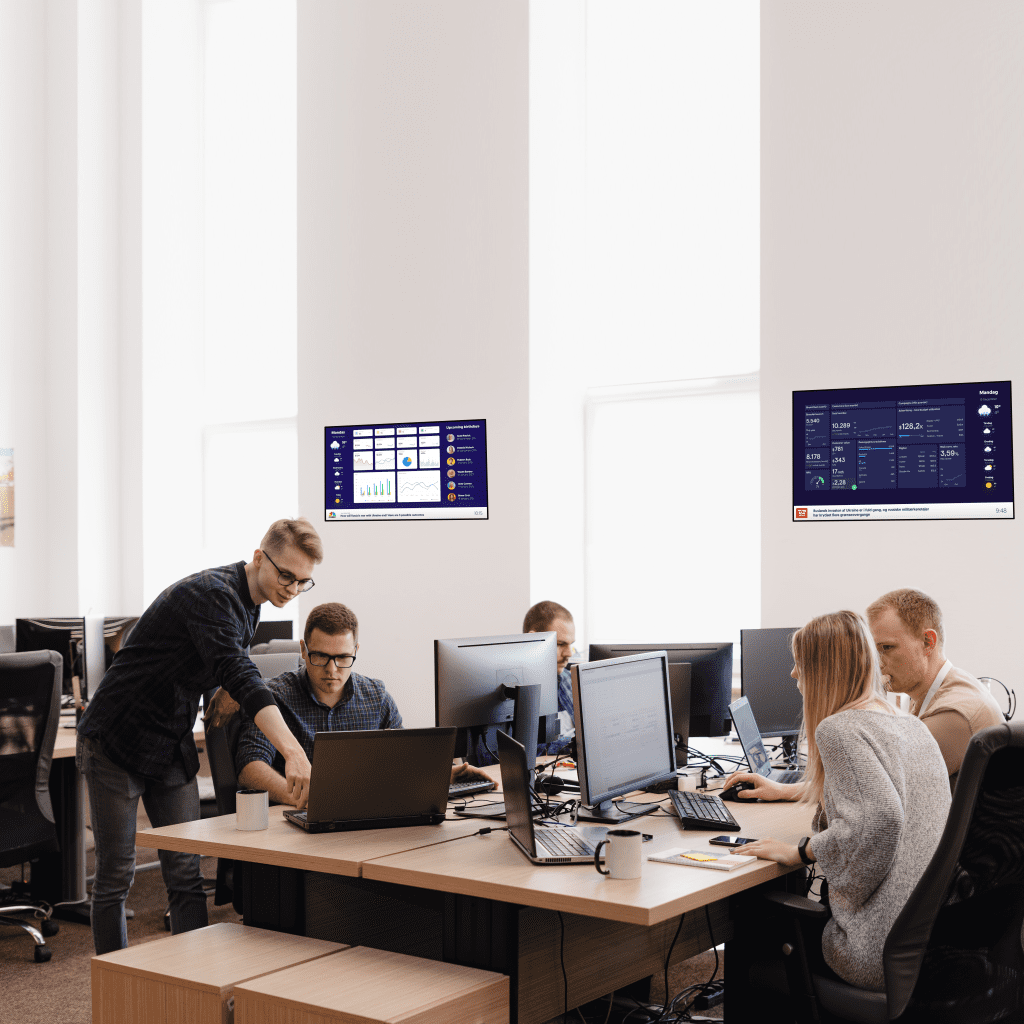
Office spaces can use this feature to share meeting room availability or important deadlines so no one gets surprised when that Q2 deadline sneaks up.

If your workplace has remote or shift-based working hours a shared calendar helps keep track of who’s in and when, making collaboration smoother.
In fitness studios and gyms, digital signage can show the daily lineup of classes, so members always know when their favorite spin or yoga session is happening.

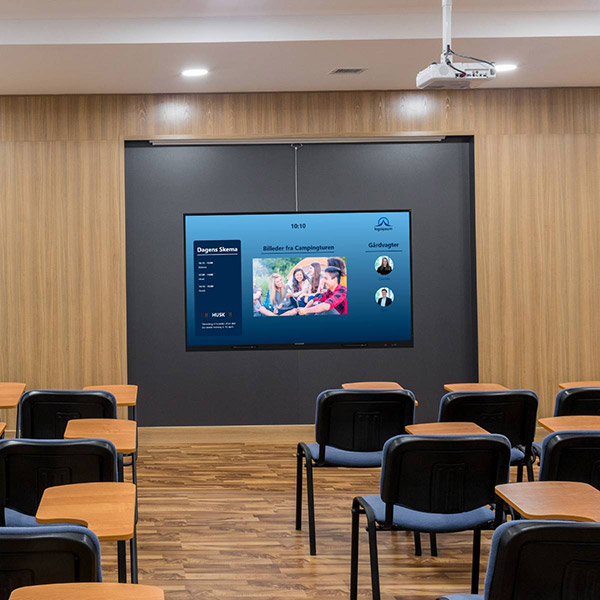
Schools and universities can use it to display exam schedules, upcoming lectures, or campus events, helping students stay on top of important dates. Even government offices and community centers can benefit by showcasing public meetings, local events, or available facilities for booking.

And the best part is that you only need Q-play and Q-cal to make it work in a few minutes!

Just 3 Steps

If your events are already in Q-Cal then your calendar can be on your screen in just 3 simple steps. Using another calendar? Just  sync it to q-cal beforehand and you’re good to go!

  1. Prepare your presentation in Q-play
    First prepare the presentation where your calendar will be shown and simply drag and drop the Q-cal app on there. You can decide if the calendar takes up the whole screen or will you maybe add the news? a weather app? Take your time and create exactly what you want.
  2. Customize your calendar
    Choose on which device your calendar will be displayed and what interface you want to go with.You can either choose a template and not worry about anything or personalise it, use your company’s logo and colors.
  3. Copy code to Q-play
    When your master creation is done, you simply copy the code of it and paste it in your presentation from step 1. With the code imputed you should start seeing your calendar come to life right in front of your eyes.

Choose any device

This feature can be used on all different kinds of devices. A classic digital signage screen, a check-in touch-screen or a meeting room screen.

Templates and Customization

We decided to keep it as easy as possible. When creating your calendar you get a range of templates to choose from, each designed to fit your specific device and its orientation, whether horizontal or vertical.

The templates can be customized, some let you upload your company logo, but all allow you to change the color scheme in multiple places to make it yours.
More insights from Nordicscreen
Get tips, product updates, and inspiration for smarter digital communication.

Support til Samsung SoC er en milepæl

Ved at køre Nordicscreen direkte på Samsungs integrerede platform bliver implementeringer mere stabile, ensartede og forudsigelige.

Solution heading
Supported platform

Multifaktorgodkendelse (MFA) er nu tilgængelig i Q-Cal

Vi er glade for at kunne meddele, at Multi-Factor Authentication (MFA) nu er tilgængelig i Q-Cal! Denne opgradering tilføjer et ekstra lag af sikkerhed til din planlægning og kalenderstyring, hvilket sikrer, at dine data og adgang forbliver beskyttet.

Solution heading
Product News

Q-Play understøtter nu fuldt ud LG webOS 8 og forbedret SoC-afspilning

Nordicscreen tilbyder nu fuld support til LG webOS 8, hvilket gør os klar til den nyeste generation af LG-skiltskærme. Samtidig er vores eksisterende support til LGs indbyggede System on Chip (SoC) -afspillere blevet udvidet og er nu fuldt udviklet, hvilket giver dig en stabil og strømlinet måde at køre Nordicscreen på uden ekstern hardware.

Solution heading
Product News

Netværkshuset N1 — Skabe en problemfri gæst- og mødeoplevelse

Netværkshuset N1 er et dynamisk kontor fællesskab, der hoster flere virksomheder under ét tag. Med så mange organisationer, der deler den samme plads, kan det være udfordrende at sikre, at gæsterne føler sig velkomne og finder den rigtige destination.

Solution heading
Coworking space

Show availability of Clever charging stations

With our new integration of the Clever App you can show a live availability of your chargers on your digital signage

Solution heading
Clever Charging

Sådan overholder du NIS2-direktivet: En trinvis vejledning til virksomheder

Naviger i NIS2-direktivet, og find ud af, hvordan NordicScreens løsninger til administration af besøgende kan strømline din compliance indsats.

Solution heading
NIS2 Directive

Forbedr besøgsstyring med NordicScreens mobile check-in

Oplev NordicScreens Mobile Check-In via QR Code - besøgsstyringsløsningen designet til effektivitet og bekvemmelighed.

Solution heading
Mobile check-in

Digital skiltning til restauranter og take away

Øg din restaurants salg med en digital skiltningsløsning. Administrer menuer, priser og kampagner ubesværet.

Solution heading
Signage for restaurants

Kombiner i3-teknologier og Q-Play

Ved at kombinere dine i3-teknologier og digital skiltningsløsning kan du skabe et mere engagerende og effektivt læringsmiljø.

Solution heading
Digital signage

15 grunde til, at du skal bruge digital skiltning

Læs vores 15 grunde til, at du skal bruge digital skiltning i din virksomhed, og se om du er klar til at komme og deltage i digital skilteklubben.

Solution heading
Corporate communication

Sådan digitaliseres dit teaters gallerivæg

Som f.eks. et teater, musikteater eller film er du ikke fremmed for besværet med at holde din gallerivæg med plakater fra aktuelle begivenheder opdateret.

Solution heading
For theater’s

Digital skiltning til din butik

Vis produktvideoer, specialtilbud og meget mere med en digital skiltningsløsning. Cloud-baseret administration til nem kampagnekontrol.

Solution heading
Signage for stores